Lists you share,complete, and use again.
Take It is a shared checklist for trips, dinners, and anything a group needs to bring.Draft it, check everything before you leave, then use it as a template next time.
Free to start. No card required.


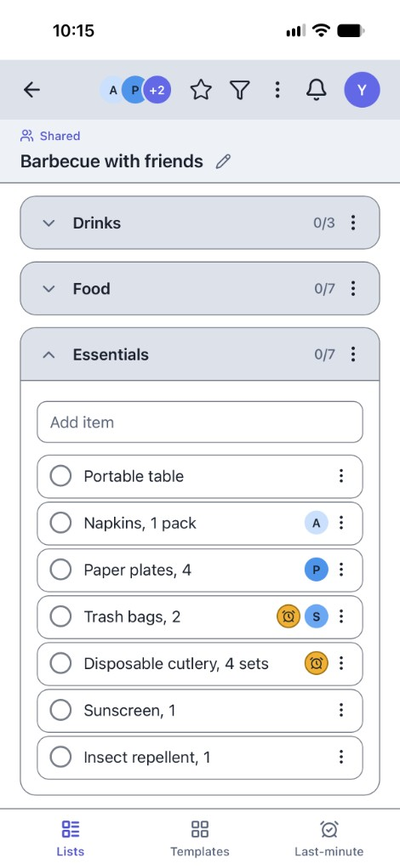
Shared list
Everyone knows what to bring.Everyone sees what's still missing.
Take It is a shared checklist for group events. Assign the charcoal, the buns, and the drinks, then watch each item get checked.
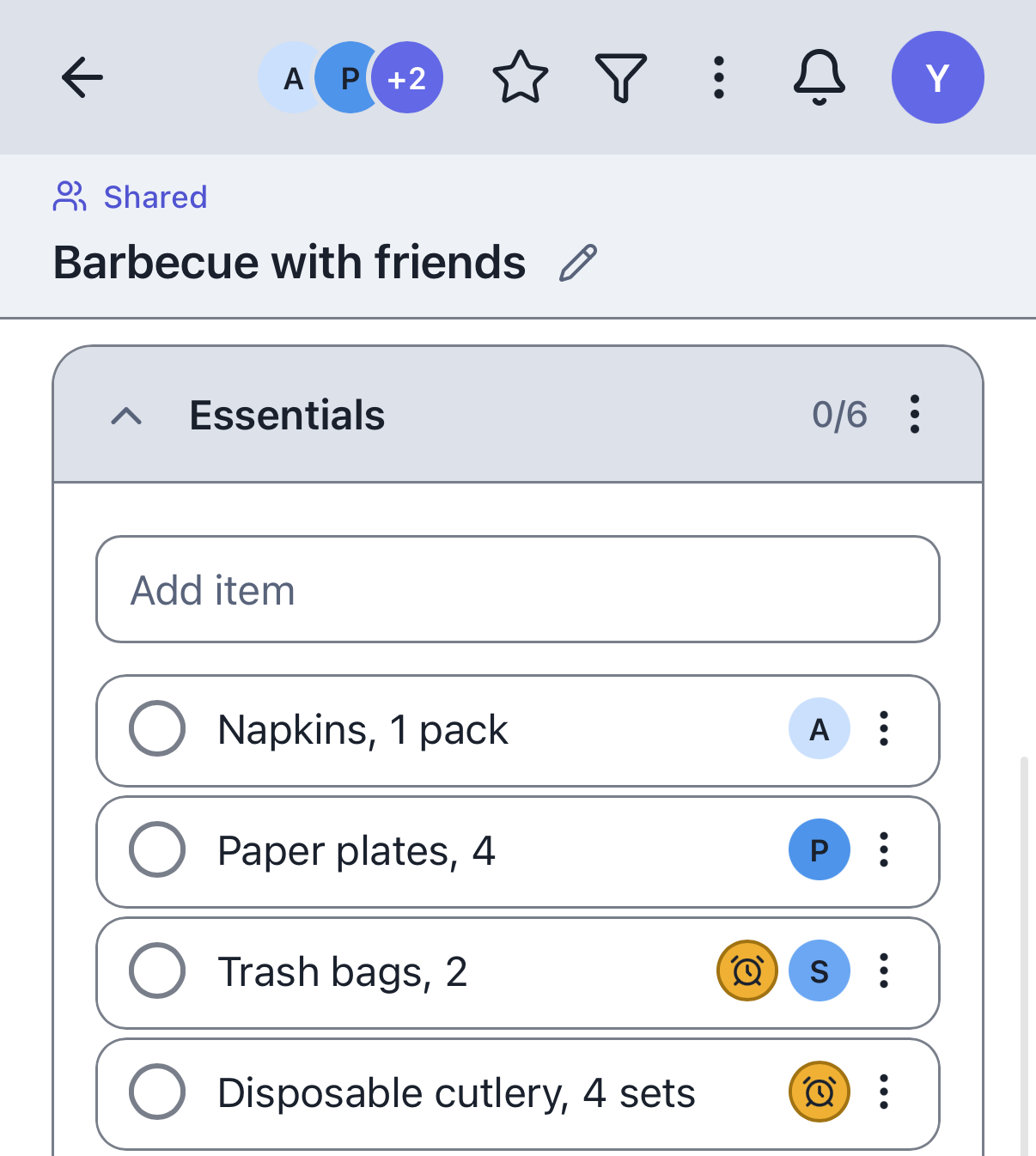
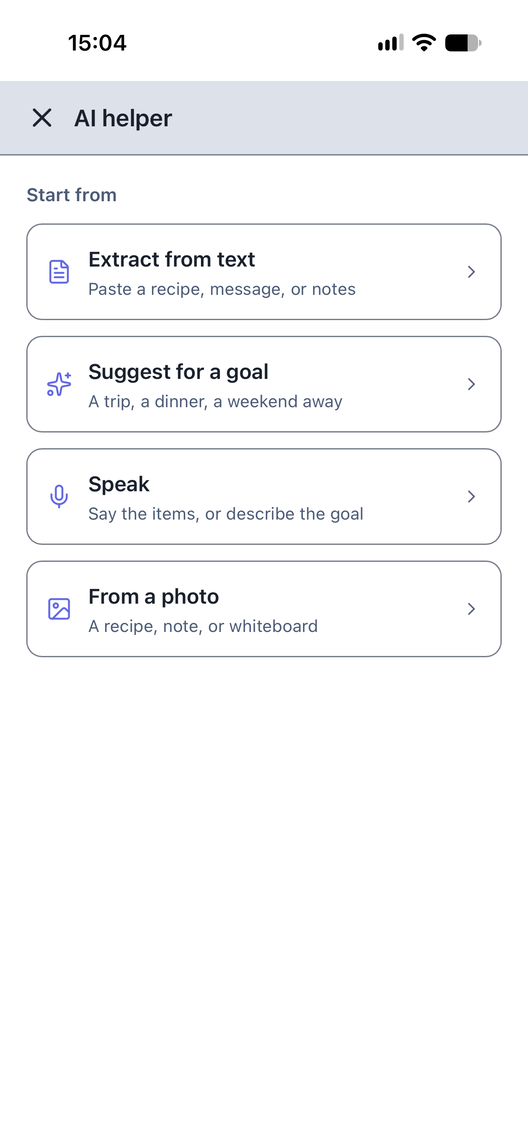
AI Helper
A first draft fromwhat you already have.
Paste notes, describe a goal, dictate items, or start from a photo. The AI Helper turns that into a list you can edit. Drafts come with Premium.
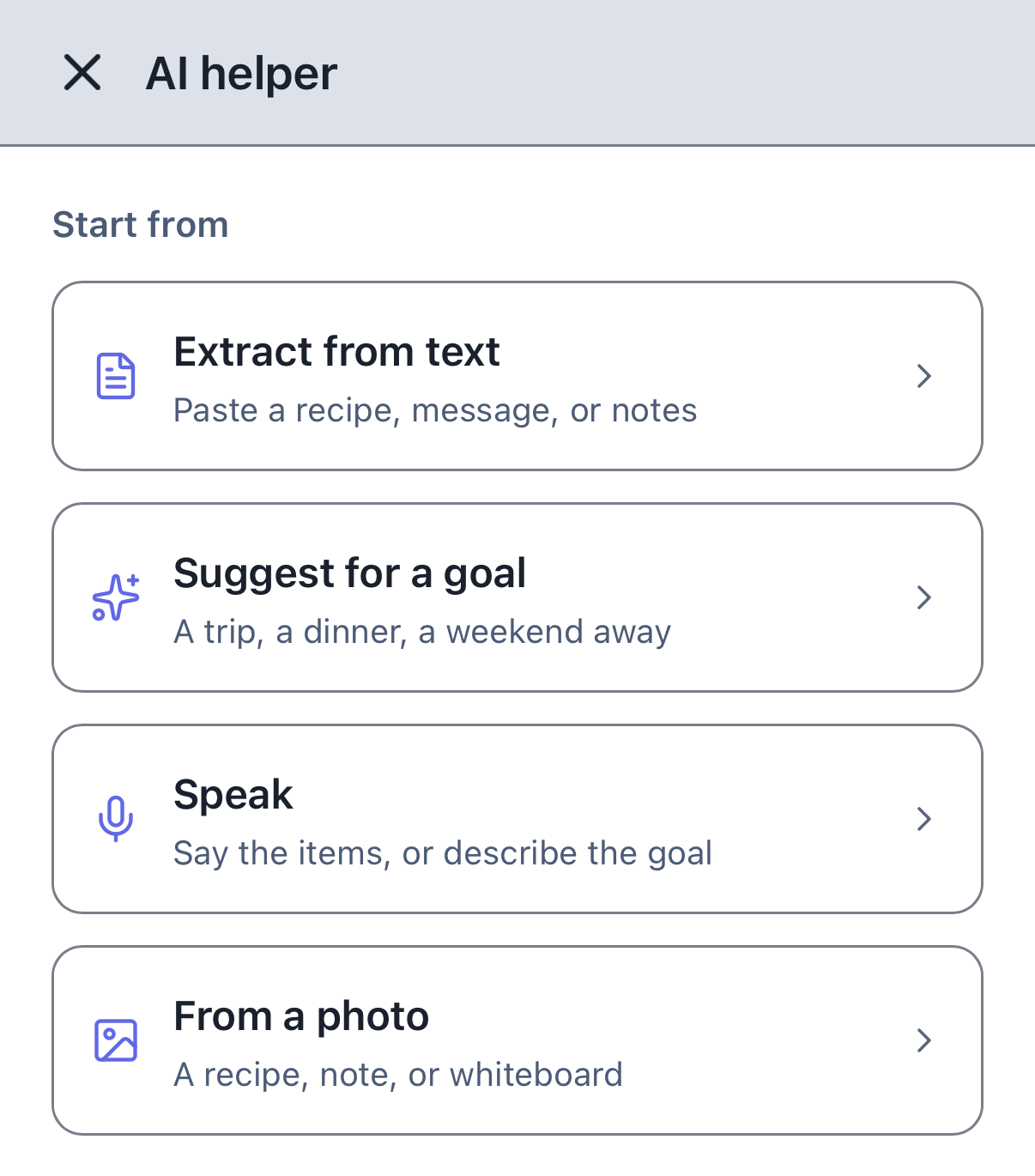
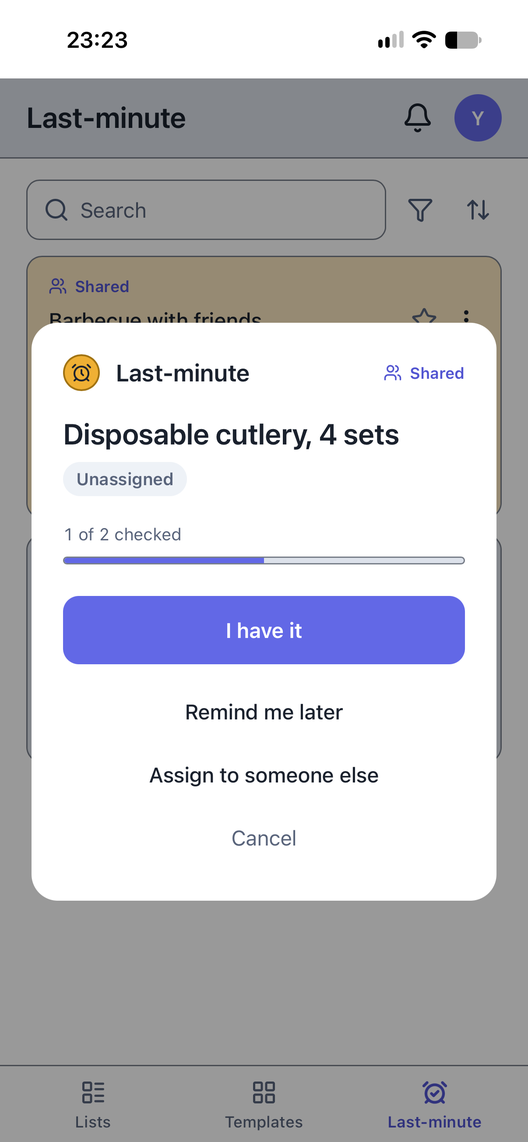
Last-minute
One last checkbefore you leave.
Keep your keys, passport, and tickets in one final checklist. Make sure you've got everything, then head out.
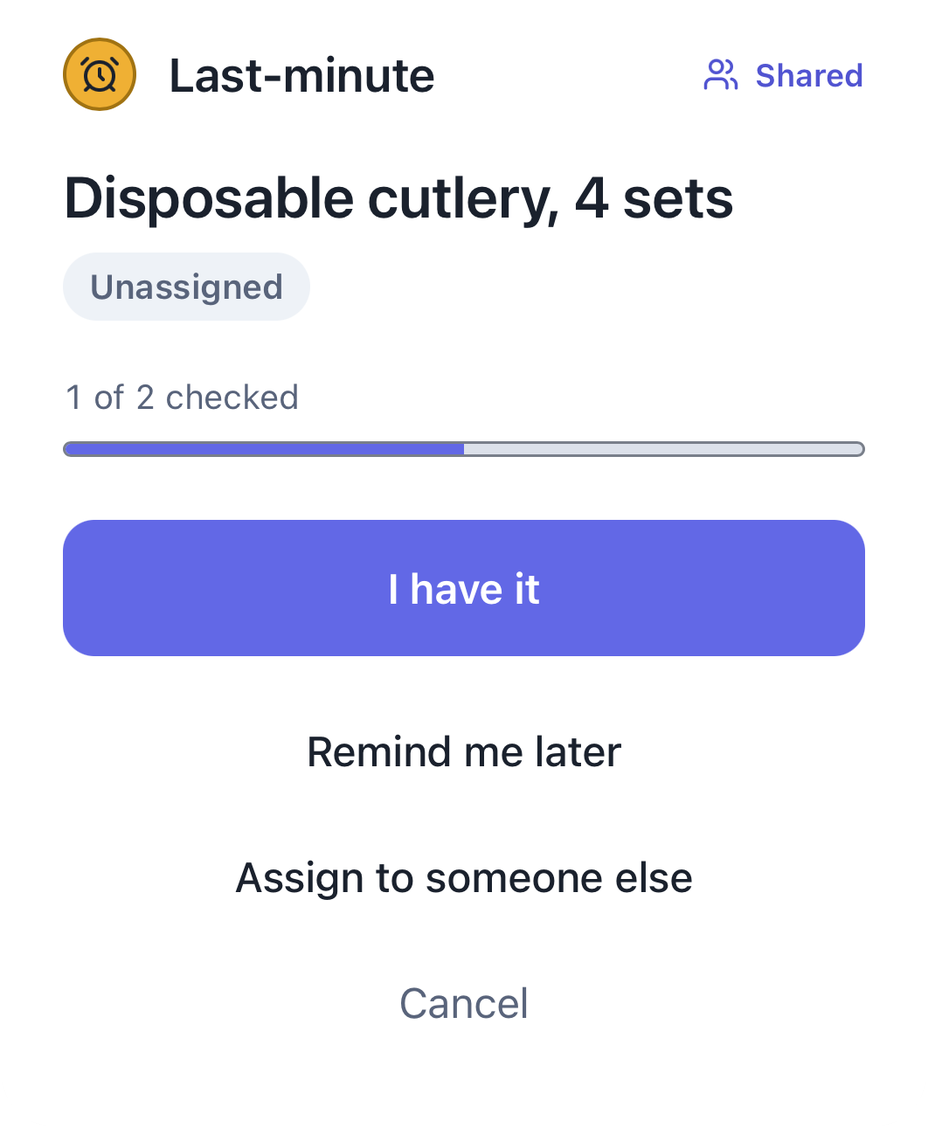
Templates
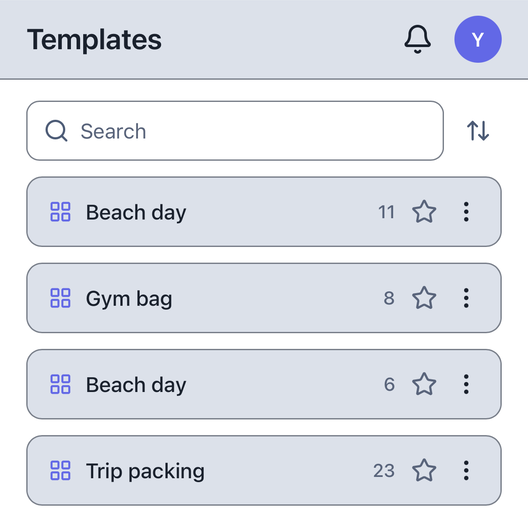
Start your next listfrom the last one.
Save templates for weekends, beach days, and work trips. Open a fresh copy next time, or send one to a friend.
Everyone brings the right things.Nothing gets forgotten.
Questions
Before you download.
What is Take It?
Take It is a shared checklist for trips, dinners, and anything a group needs to bring. You share the list, confirm it at the door, and start the next one from a template.
What is a shared list?
A shared list is for a group event. People bring the things assigned to them, and everyone sees what is checked.
What can the AI Helper work from?
Notes, a goal, voice input, or a photo. You edit the draft before anyone else sees it. Drafts come with Premium.
How does Last-minute work?
A quick check for the few things you must not forget as you walk out. Make sure you've got everything, then head out.
Can I reuse a list?
Yes. Save it as a template, then open a fresh copy the next time.
Can I share a template?
Yes. Send a copy to a friend. They'll get their own template and can start lists from it.
Is it free, and what does Premium add?
Yes. No card. Personal lists and templates, one shared list, up to three other people, activity for the last 7 days. Premium adds unlimited shared lists, unlimited people, full activity history, and drafts from text, a goal, voice, or a photo.
Who can see a shared list?
Only people invited by name or with a link.
Get Take It on your phone.
Free to start. No card required.